


How to Join an eSports Tournament (Beginner’s Guide)
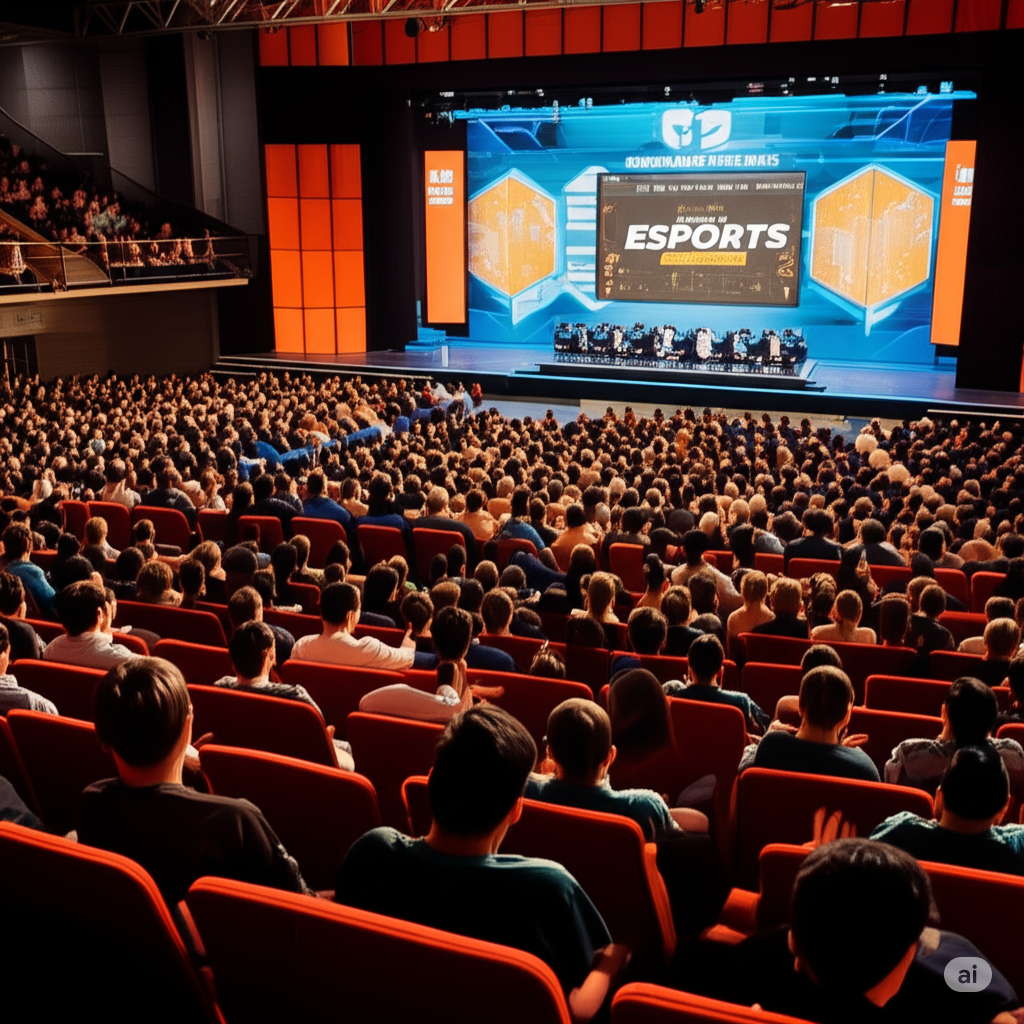
If you love gaming, chances are you’ve imagined yourself playing in a real competition at least once. Maybe you’ve watched professional players compete in huge arenas, winning trophies and prize money, and thought, “Could I ever do that?”
The answer is yes, you can.
That’s exactly what eSports tournaments are for. They allow gamers from around the world to compete against each other in organized competitions. Just like traditional sports such as football or cricket, eSports tournaments bring players together to test their skills, teamwork, and strategy.
The only difference is that instead of running on a field, you’re competing with a keyboard, mouse, mobile phone, or gaming controller.
The best part? You don’t have to be a professional gamer to start. Many tournaments are designed for beginners and casual players. All you need is the right game, some basic knowledge, and the courage to participate.
If you’re new and wondering how to get started, don’t worry. This guide will walk you through the step-by-step process of joining an eSports tournament in a simple and easy way.
Table of Contents
Step 1: Choose Your eSports Tournament Game 🎮
The first step in joining any eSports tournament is selecting the game you want to compete in.
Different tournaments focus on different games, and each game has its own style of competition. Some games are about strategy, some focus on quick reactions, and others require strong teamwork.
Here are some popular eSports tournament games:
Battle Royale Games
- Fortnite
- PUBG Mobile
- Apex Legends
In these games, dozens or even hundreds of players compete in one match, and the last player or team standing wins.
Shooter Games
- Valorant
- Call of Duty
- Counter-Strike
These games focus on accuracy, teamwork, and fast reactions.
Strategy Games
- Dota 2
- League of Legends
Strategy games require team coordination, planning, and strong game knowledge.
Sports Games
- FIFA
- NBA 2K
These games simulate real-world sports competitions.
👉 Pro Tip:
Choose a game that you truly enjoy playing. Don’t pick a game just because it is popular or has large prize pools. If you enjoy the game, you will naturally spend more time practicing and improving.
Step 2: Find an eSports Tournament Organizer 👩💻👨💻
Once you choose your game, the next step is finding who is hosting the tournament.
Every competition is managed by an eSports tournament organizer. These organizers are responsible for:
- Creating tournament rules
- Scheduling matches
- Managing players and teams
- Ensuring fair gameplay
- Distributing prizes
Think of them as the event managers of the gaming world.
Some well-known global eSports organizers include:
- ESL Gaming
- Faceit
- DreamHack
However, if you are just starting, it’s usually better to participate in smaller tournaments. Local gaming communities, Discord groups, and online gaming forums often host beginner-friendly competitions.
Smaller tournaments help you:
- Gain experience
- Understand tournament rules
- Improve your gameplay
- Build confidence
Starting small is the best way to enter the competitive gaming world.
Step 3: Complete Your eSports Tournament Registration ✍️
After finding a tournament that interests you, the next step is registration.
Most tournaments require players to sign up through an online form. The process is usually simple and takes only a few minutes.
During registration, you may need to provide:
- Your gamer ID or username
- Your email address
- Your phone number (sometimes)
- Your team name (if you are playing in a team)
- The game platform you play on
Some tournaments also charge a small entry fee, while others are completely free to join.
Once your registration is confirmed, you will receive information about:
- Match schedules
- Tournament rules
- Tournament platform links
At this point, you are officially a tournament participant.
Congratulations! 🎉
Step 4: Join an eSports Tournament Platform 🌍
Most modern tournaments are organized using special eSports tournament platforms.
These platforms act as the central hub for the competition. Players use them to track matches, communicate with opponents, and submit results.
Common eSports tournament platforms include:
- Battlefy
- Toornament
- Challengermode
On these platforms, you can usually:
- Check the tournament bracket
- See who your opponent is
- Find your match time
- Submit match results
- Track your progress in the tournament
Some game developers also host tournaments directly inside their games. For example, certain battle royale games organize official in-game competitions.
Make sure you understand how the platform works before the tournament starts. This will prevent confusion on match day.
Step 5: Compete in Your Matches 🕹️
Now comes the most exciting part — actually playing in the tournament.
When match day arrives, make sure you:
- Log in early
- Check the match schedule
- Follow the tournament rules
- Stay connected with organizers or referees
Sometimes tournaments use single elimination, where losing one match means you are out. Other tournaments use double elimination, where players get a second chance.
Remember, your first tournament might feel a little stressful. That’s completely normal.
You might lose early, make mistakes, or face players who are more experienced than you. But that’s how improvement happens.
Every match teaches you something new:
- Better strategy
- Faster reactions
- Stronger teamwork
- Improved game awareness
With each tournament, you’ll become a better and more confident player.
Step 6: Understand eSports Tournament Prize Money 💰
One of the most exciting parts of competitive gaming is the prize pool.
Depending on the size of the tournament, rewards can vary widely.
Small Tournaments
- Gift cards
- In-game skins or items
- Small cash prizes
Medium Tournaments
- Cash prizes ranging from hundreds to thousands of dollars
Major Global Tournaments
- Massive prize pools worth millions
For example, the famous Dota 2 tournament The International has offered prize pools exceeding $30 million in the past.
However, it’s important not to focus only on the money.
The real benefits of tournaments are:
- Experience
- Skill development
- Networking with other players
- Building your reputation
Prize money is just an extra reward for your hard work and dedication.
Quick Tips for Beginners
If you are new to competitive gaming, these tips will help you get started:
Start Small
Begin with local or online beginner tournaments before jumping into major competitions.
Practice Smart
Instead of just playing for fun, analyze your mistakes and try to improve specific skills.
Build a Team
Many eSports games require strong teamwork. Find players who communicate well and share your goals.
Stay Positive
Losing is part of the learning process. Even professional players lose many matches before becoming champions.
Respect Other Players
Good sportsmanship is very important in eSports. Avoid toxic behavior and treat others with respect.
Final Thoughts
Joining an eSports tournament might seem intimidating at first, but it’s actually a fun and rewarding experience.
All you need to do is:
- Choose your favorite game
- Find a tournament organizer
- Register for the event
- Join the tournament platform
- Play your matches and gain experience
Over time, you’ll improve your skills and become more confident in competitive gaming.
Who knows? With enough practice and dedication, you might one day compete in major eSports events with thousands of fans watching.
But every professional player started exactly where you are now — in their very first tournament.
So take that first step, join a competition, and enjoy the thrill of competitive gaming.
Your eSports journey might be just beginning. 🎮🔥